Workflow & CRM Automation
Connect your tools and let routine work — data entry, follow-ups, reports — run on its own.
How we help
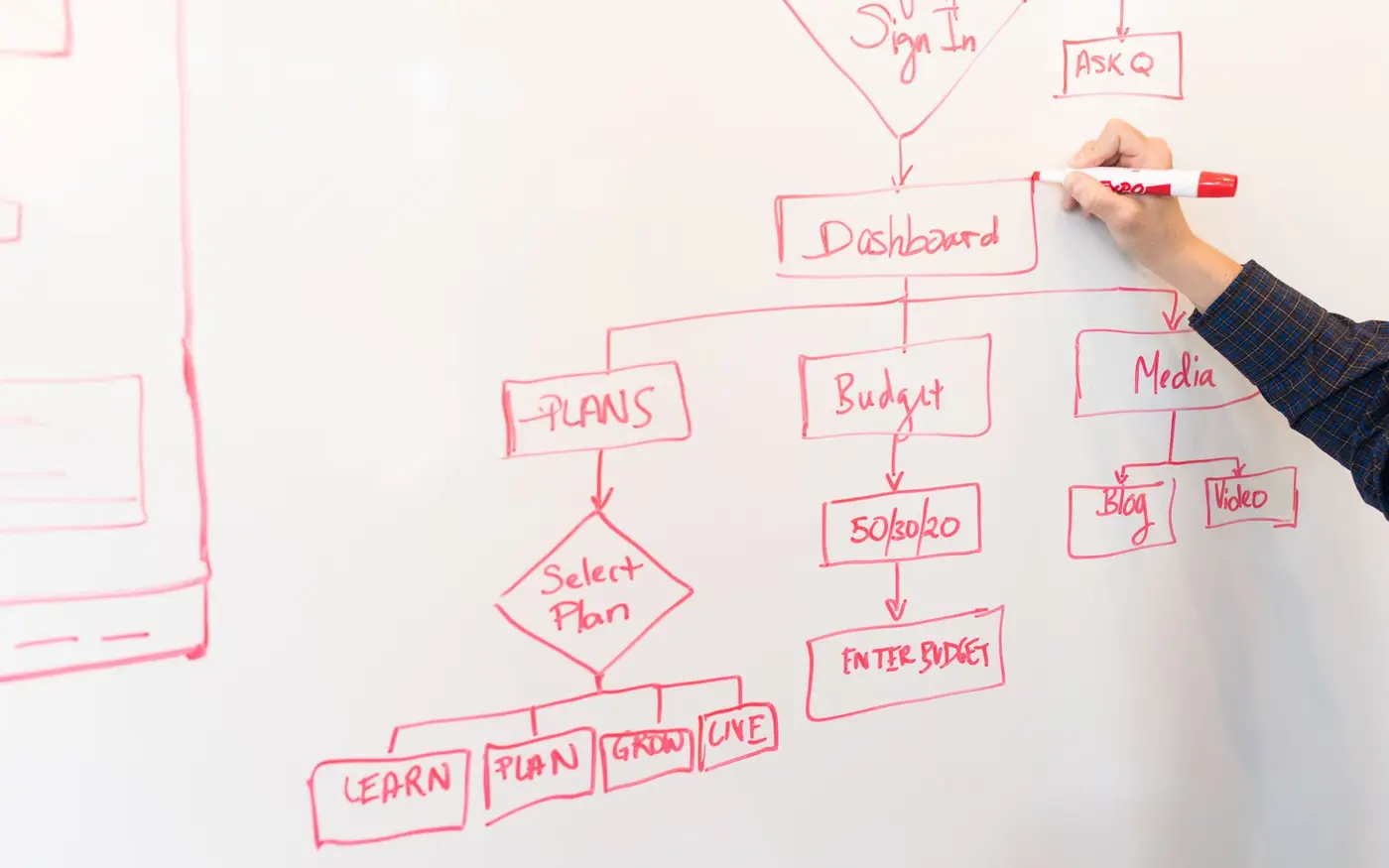
Most teams lose hours every week moving information between tools: copying leads into the CRM, chasing approvals, building the same report every Monday. We automate those steps end to end.
Where a step needs judgement — reading an email, classifying a document, extracting details from a PDF — we add AI so the workflow can handle real-world, messy input reliably.
What’s included
- Process mapping and automation opportunity review
- CRM automation: lead capture, enrichment, assignment and follow-ups
- AI document and email processing
- Approval flows and notifications
- Scheduled reports and alerts
- Monitoring, error alerts and documentation
What it means for your business
Hours back every week
Routine steps run automatically, without reminders.
Cleaner data
Information is entered once and synced everywhere, the same way every time.
Faster turnaround
Requests move through approvals without waiting in inboxes.
How the work runs
The same clear, step-by-step delivery across every project.
- 01
Map the work
We shadow the process, list the repetitive steps and pick the ones with the clearest payoff.
- 02
Prototype fast
A working agent on real examples within days, so you can judge the quality early.
- 03
Integrate & guard
Connect to your tools, add guardrails, permissions, logging and escalation paths.
- 04
Measure & tune
Track resolution, accuracy and time saved, then keep improving prompts and flows.
Related case studies
Projects where we delivered Workflow & CRM Automation.
- HealthTech SaaS
Aver
SaaS platform · Open-source CLI
Continuous validation for clinical bioinformatics pipelines. Aver benchmarks pipelines against public reference materials, flags changes that move the numbers and signs the evidence.
Our productaver.bio - Clean-tech & IoT
Eco Zindagi
Website · Device tech · AI integration · Mobile app
Pakistan’s clean-tech startup building smart bins and indoor composting devices like the EcoBuck for homes, housing societies, campuses and cities.
Liveecozindagi.com
Tools we use
 Python
 Node.js
 OpenAI
 Claude AI
 PostgreSQL
Workflow & CRM Automation: questions
Do you use Zapier or Make, or custom code?
Both. We use no-code tools when they are the simplest reliable option and custom code when you need more control, volume or security.
What happens if an automation fails?
Every workflow has logging and alerts, so failures are caught and retried or flagged to a person — never silently lost.
Can you automate our existing CRM?
Yes. We work with the CRM you already use rather than forcing a migration.
Related services

Customer Support & Sales Agents
AI agents that answer customers, qualify leads and book meetings — trained on your business.

Chatbots for Web & WhatsApp
Conversational assistants on your website, app and WhatsApp — text or voice.
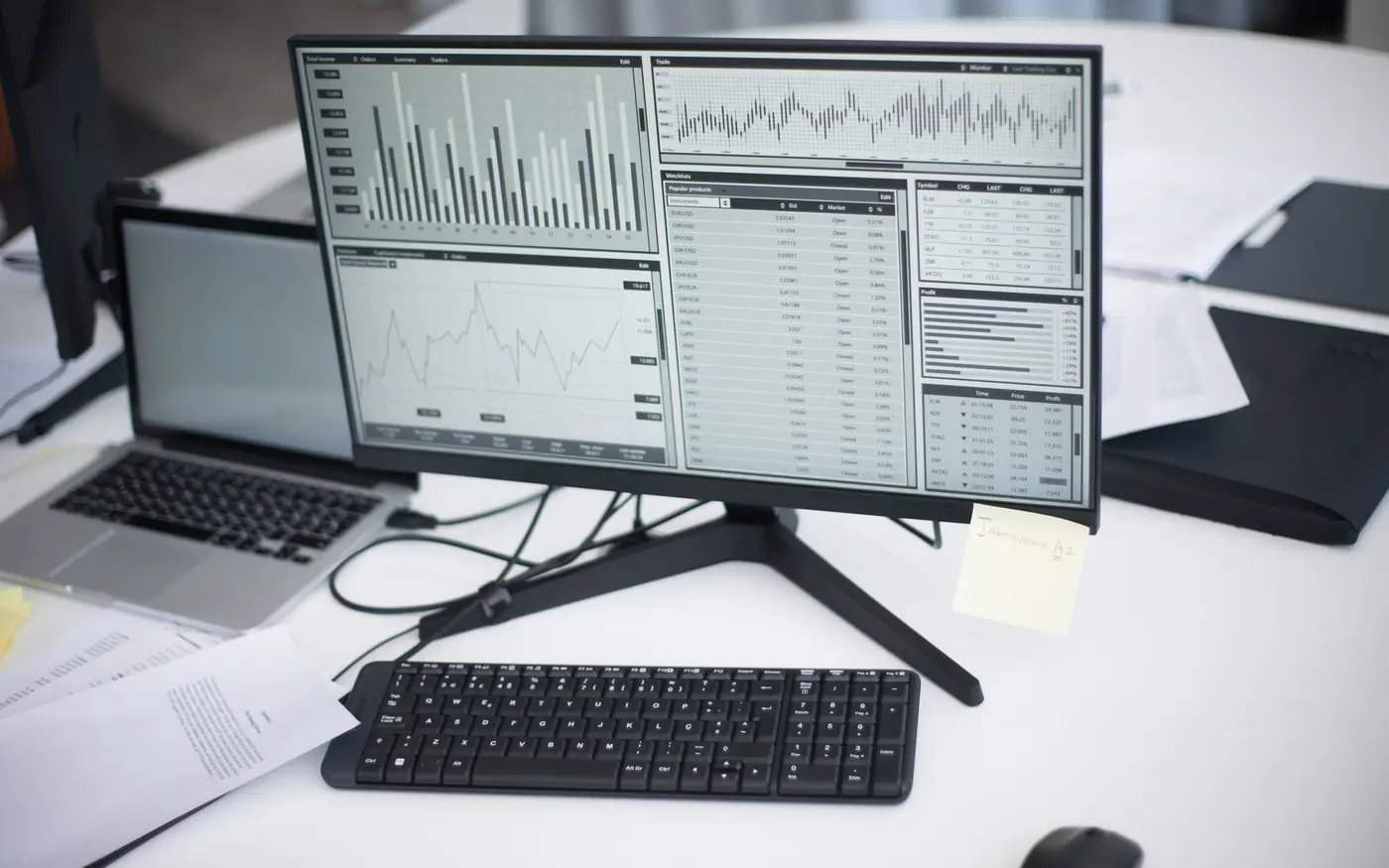
AI Analytics & Insight Dashboards
Dashboards that turn raw data into clear answers, with AI summaries you can act on.
Let’s scope your project: Workflow & CRM Automation
Share your goals and timeline. We will reply with a clear proposal and next steps.